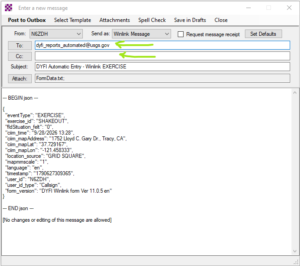
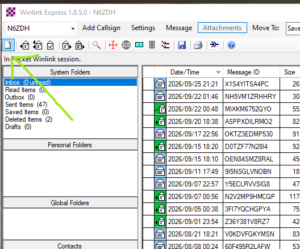
 Start with a new message in your Winlink Express application.
Then from the select template menu item, open the tree nodes until you can see the USGS nodes and choose the DYFI one.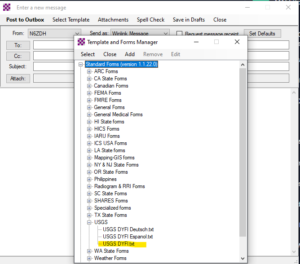
This will bring up a web form in your default browser that you can then fill out by following the instructions. Once all filled out, you can submit it by clicking the button at the bottom.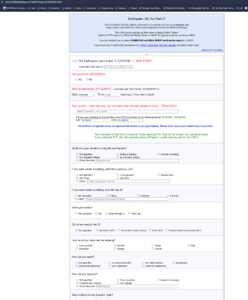
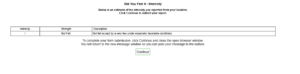 A summary will show up and you need to submit it again.
That will bring up a filled in message box with a default “To:” filled in. You can add additional “To:” or “Cc:” addresses like SHAKEOUT;ETO-DRILL;WLNET-OE and N6ZDH. Then “Post to Outbox”.